Free Easter Bunny Procreate Brush Set
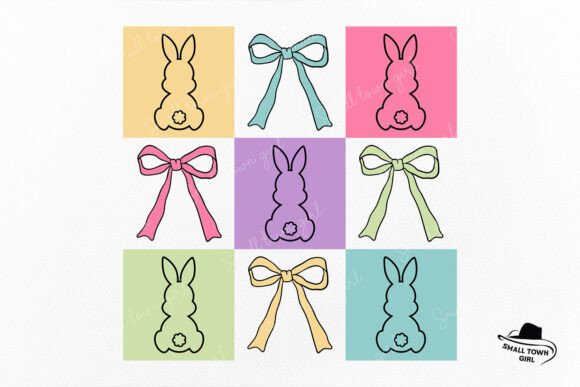
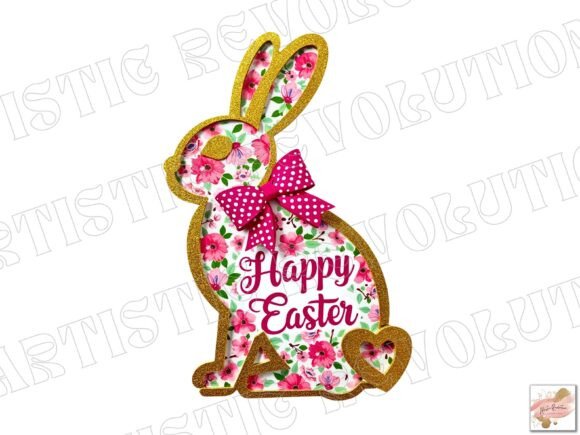
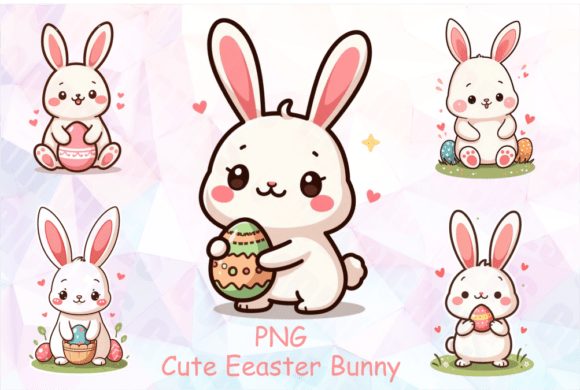
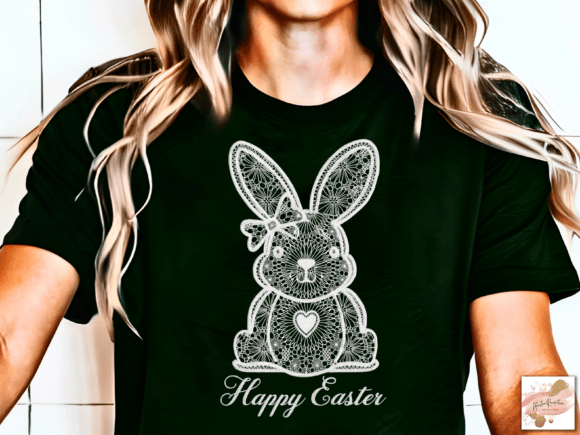
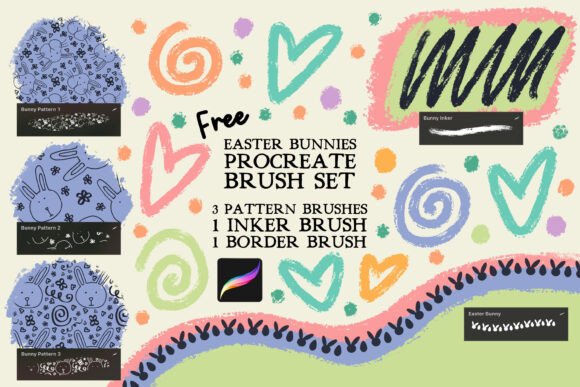
Spring is in the air, and with it comes the creative buzz of Easter projects. Whether you are a digital illustrator, a small business owner planning seasonal marketing, or a hobbyist looking to add charm to your personal planner, a focused set of tools can make all the difference. The Free Easter Bunny Procreate Brush Set offers exactly that: a compact but versatile collection designed specifically for the Procreate app. This set includes three seamless tiling pattern brushes, one inker brush, and one border brush. While it is tailored for Easter themes, the practical applications extend far beyond the holiday itself. Let’s explore how this free resource can inspire your next project and how different creators can adapt it to their specific needs.
What Makes This Brush Set Special
The set’s strength lies in its focused design. Unlike sprawling brush packs that can overwhelm you with choices, this one provides a tight, curated set of tools that work together. The three seamless tiling patterns are the centerpiece. They allow you to fill large areas with repeating Easter motifs — think bunnies, eggs, flowers, or pastel textures — without visible seams. This makes them ideal for backgrounds, wrapping papers, fabric patterns, or digital scrapbook pages. The inker brush is a crisp, reliable line tool that can be used for drawing characters, adding outlines, or writing short messages. The border brush frames your work neatly, whether you are creating a flyer, a card, or a sticker sheet. Together, these brushes form a mini toolkit that encourages cohesive, finished designs.
Creative Applications for Digital Artists and Designers
If you are a digital artist or surface pattern designer, you know the value of a quick, consistent pattern. The seamless tiling brushes eliminate the tedious work of manually aligning repeats. You can instantly fill a canvas with a bunny pattern, then use the inker to add hand-drawn elements on top — a flower crown, a carrot, or a whimsical lettering piece. The border brush can then frame the entire composition, turning it into a postcard or a print-ready file.
For illustrators working on children’s book projects, these brushes can save time on background textures. Instead of drawing each element repeatedly, you can create a patterned backdrop that suggests a meadow or a basket. The inker brush maintains consistent line weight, which is helpful when you need to produce multiple illustrations in a unified style. You can also combine the patterns with custom color palettes. Since Procreate allows you to adjust brush colors easily, you can take the same bunny pattern and shift it from pastel pink to bold teal, depending on your project’s mood.
Adapting Patterns for Different Platforms
Social media creators and marketers can leverage these brushes to build a cohesive Easter campaign. For instance, you might use one seamless pattern as the background for Instagram story templates. Add your promotional text over it, and you have a branded graphic that stands out. The border brush can frame your product photos or quotes. The inker brush can be used to draw simple icons (eggs, flowers) that you repeat across posts. Because the patterns tile seamlessly, you can create a consistent visual language across multiple assets without spending hours on each one.
If you run an online shop selling digital planners, stickers, or printable art, this set offers a quick way to produce seasonal items. You could design a set of Easter stickers: use the pattern brushes to fill large sticker shapes, then the inker to add outlines. The border brush can create sticker sheets with a decorative edge. All of this can be done in Procreate, exported as PNGs with transparency, and uploaded to your shop. The free nature of the set also makes it an attractive bonus for your customers — you can offer a complementary product while using the brushes yourself.
Practical Ideas for Printables and Stationery
Handmade stationery is a popular category for creators. With this brush set, you can design greeting cards, gift tags, place cards, and even wrapping paper. Start with a clean canvas, fill the background with one of the seamless patterns, and add a central illustration using the inker brush. The border brush gives you a ready-made frame, so you don’t need to draw one from scratch. Layer multiple patterns if you want more complexity — for example, use a pattern with small eggs as the base, then overlay a larger bunny in a contrasting color.
Educators and parents can use the brushes to create worksheets or activity pages. The inker brush is great for drawing simple line art for coloring pages. The seamless patterns can fill the margins or serve as backgrounds for matching games. Because the brushes are exclusive to Procreate, you can easily export your files as PDFs or images for printing. Keep your design clear by using the patterns at a size that suits the page — scale them up or down within the brush settings to avoid overwhelming the main content.
Staying Consistent in Branding Projects
Small business owners and entrepreneurs often need seasonal branding that still feels cohesive with their core identity. The Easter Bunny brush set can be adapted to match your brand colors. Because the patterns are seamless, they can be used for product packaging, tissue paper, or email headers. The key is restraint: pick one pattern as your accent and use it sparingly. The border brush can appear on coupons or social media frames. The inker brush can be used for a custom logo element — perhaps a bunny silhouette that you can replicate across your materials. This approach keeps your brand recognizable while adding a festive touch.
Tips for Getting the Most Out of Seamless Patterns
Seamless tiling patterns are powerful, but they need thoughtful handling to look professional. Here are a few practical recommendations:
- Scale appropriately: In Procreate, you can adjust the size of each brush. For a wallpaper effect, try a larger scale so the pattern repeats clearly. For a subtle texture, scale it down so the repeats become less obvious.
- Use layer masks: If you want the pattern to appear only in certain areas, paint it onto a layer and then apply a layer mask to hide parts. This is great for creating shaped elements.
- Combine with solid colors: A busy pattern can be balanced with a solid color block. Use the inker brush to draw a shape, fill it with a solid color, and then place the pattern on top with a blending mode like Multiply.
- Test on different canvases: Because the brushes are tileable, they work on any canvas size. But the density of the pattern may shift depending on your canvas dimensions. Always do a quick test before committing to a large layout.
- Save color variations: Once you have a pattern you like, duplicate the brush in the brush library and change its color. This gives you multiple palette options without losing the original.
Who Can Benefit Most from This Set
This brush set is designed for anyone who uses Procreate and wants to add Easter-themed elements to their work. But the value goes beyond holiday-specific use. The seamless patterns, in particular, are a resource for any project that needs a repeating surface — think fabric design, scrapbooking, blog backgrounds, or even website headers. The border brush is a time-saver for frame-heavy projects like certificates, menus, or infographics. The inker brush is a reliable line tool that can become a staple in your daily workflow, even after Easter passes.
Marketers and bloggers will appreciate how quickly they can produce on-brand visuals. Instead of searching for stock patterns or spending hours drawing, you can generate a professional-looking background in minutes. Freelancers can offer Easter-themed social media packages to their clients, using the brushes to create a set of templates. Educators can make learning materials that feel festive without being distracting. The versatility of the set lies in its simplicity — a few well-made brushes that do one thing well.
A Note on Compatibility and Use
It is worth remembering that this set works exclusively in the Procreate app on iPad. It will not function in Photoshop, Illustrator, or any other software. If you are an iPad artist, this is a seamless addition to your library. The brushes come as a single .brushset file that you can import directly. Once installed, you can customize the brushes — adjust the size, color, and even the tiling behavior by editing the brush properties. For best results, use a high-resolution canvas and experiment with the opacity and pressure settings, especially for the inker brush.
Bringing Your Easter Projects to Life
The Free Easter Bunny Procreate Brush Set is more than a seasonal download — it is a practical tool for any creator who values efficiency and consistency. Whether you are designing a complete brand kit for a spring sale, a set of printable stickers for your shop, or a simple greeting card for friends, these brushes remove the friction of creating from scratch. The seamless patterns give you instant backgrounds, the border brush frames your work, and the inker brush adds the personal hand-drawn touch that makes digital art feel warm and approachable.
To make the most of the set, think about your project from start to finish. Choose one pattern as your anchor, then layer the other elements around it. Keep your color palette limited to two or three hues so the design stays harmonious. Use the border brush to create clear boundaries, especially if you are preparing files for print. And do not be afraid to combine brushes — paint a pattern, then draw over it with the inker, then frame the result. The combination of these three brush types covers the essentials of a complete composition.
If you find yourself reaching for these brushes repeatedly, consider them a foundation for future projects. Once you understand how the seamlessness works, you can create your own variations by modifying the brush properties or by using the patterns as bases for further drawing. That way, a free set becomes a springboard for your own creative library.
Be sure to check out my shop here on Creative Fabrica for more Procreate brush sets and freebies. The Easter Bunny set is just one example of the focused, ready-to-use tools available. Download it, open Procreate, and see how a handful of well-designed brushes can transform your seasonal workflow.