Etsy Listing Canva Mockup: A Practical Tool for Sellers
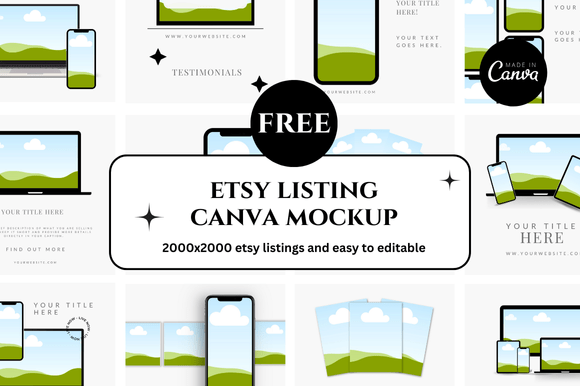
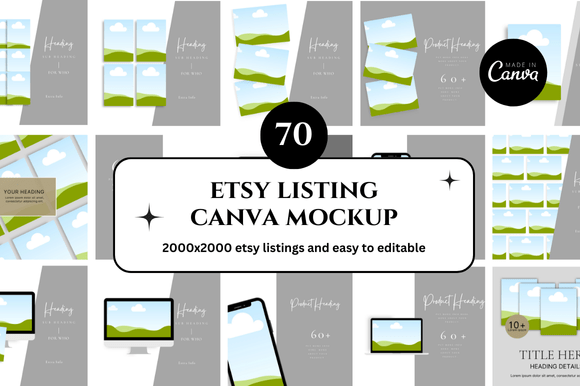
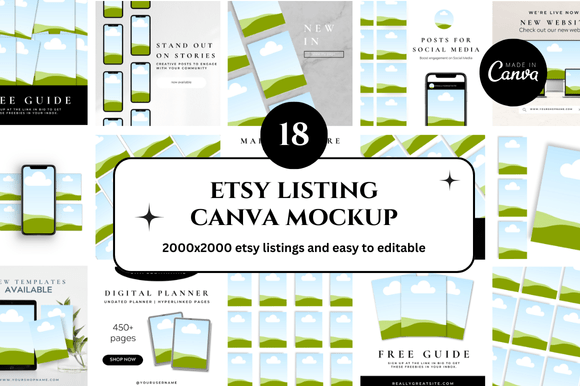
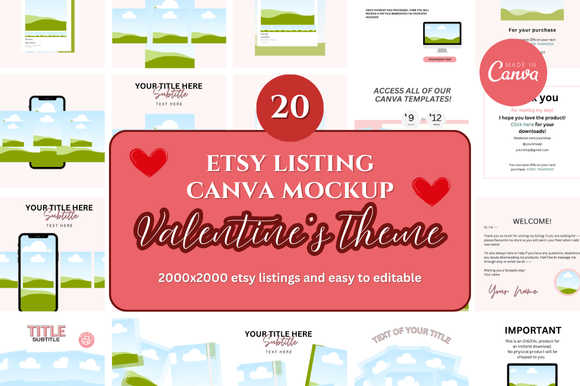
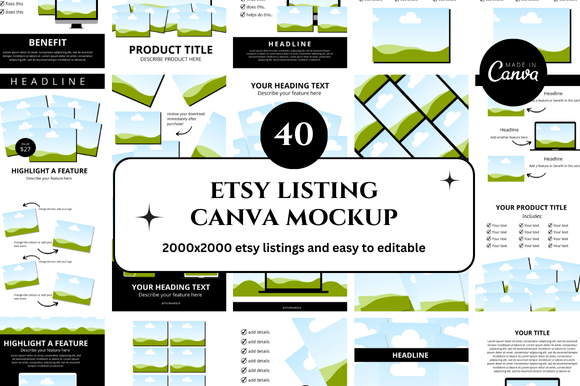
If you sell digital products or physical items on Etsy, you know how much time goes into creating listing images. A single mockup can make the difference between a casual browser and a buyer who clicks "add to cart." The Etsy Listing Canva Mockup is a ready-made template that lets you drop your design into a realistic scene—whether it’s a framed print on a wall, a planner on a desk, or a t-shirt on a model. You get 40 such mockups in one bundle, editable directly in Canva, with bonus freebies included. But what does this mean for you, depending on your experience and goals? Let’s break it down.
What Is an Etsy Listing Canva Mockup?
Think of it as a shortcut. Instead of photographing your product in a staged setting, you use a pre-designed image where you simply swap your artwork or product photo into the placeholder. The mockup handles lighting, shadows, perspective, and background. You edit everything in Canva—no Photoshop skills required. The bundle includes 40 different layouts, so you can vary your listings without repeating the same scene.
For Etsy sellers, presentation matters. A cohesive set of listing images builds trust and helps your shop look professional. These mockups are designed specifically for Etsy’s square listing format, so your images will fit perfectly without awkward cropping.
Beginners Just Starting Their Etsy Shop
If you’re new to selling, you probably have more questions than answers. How do I make my listings look polished? Do I need expensive software? Can I do this without a camera? The Etsy Listing Canva Mockup bundle answers all three. You open Canva, click the mockup, and replace the placeholder with your design. That’s it. You can have 40 unique listing images in under an hour. For a beginner, speed and simplicity matter more than advanced features. You don’t need to learn layers, masks, or rendering. The templates do the heavy lifting.
Example: You sell printable wall art. You open the mockup of a living room wall with a frame. You upload your design, resize it to fit the frame area, and download. Your listing now shows exactly how that print would look in a real home. No photo shoot needed.
Experienced Sellers Looking to Scale
If you already have a shop with 50 or 100 listings, you know that consistency takes effort. Each new product needs its own set of images. With 40 mockups, you can rotate scenes across your shop—some products get a desk setup, others get a bedroom wall, others a coffee shop table. This variety keeps your shop from feeling repetitive while maintaining a coherent look.
Experienced sellers also care about time. Manually creating each mockup from scratch adds up. A template bundle cuts that time by 80%. You can focus on product creation, customer service, and marketing instead of image production.
Example: You run a digital planner shop. You use one mockup for the cover (a tablet on a desk), another for an inside page (a close-up of the layout), and a third for a lifestyle shot (someone holding the tablet). Each listing gets three unique images, all from the same bundle.
Creators and Designers Who Sell on Multiple Platforms
Maybe you sell on Etsy, but also on Gumroad, Creative Market, or your own website. The mockups work across platforms. Since they are editable in Canva, you can adapt them for different aspect ratios or add your own branding. The square format is ideal for Etsy, but you can also crop or adjust for Instagram, Pinterest, or a blog post.
Creators often value flexibility. The 40 templates in this bundle give you a library you can pull from for months. You can also reuse them by changing colors, adding text overlays, or combining elements from different mockups.
Example: You design social media templates. You use one mockup to show the templates on a smartphone screen, another to show them on a laptop, and a third as a flat lay with a notebook and pen. Your customers see the product in context, which increases perceived value.
Small Business Owners and Entrepreneurs
If you sell physical products that you photograph yourself, you might think mockups are only for digital sellers. Not true. You can place a photo of your actual product into a mockup scene. For example, you make handmade candles. You take a photo of the candle on a white background, then use a mockup to show it on a wooden shelf with other decor. This saves you from staging every single shot.
Business owners also appreciate the commercial license that typically comes with these bundles (check the specific terms). You can use the images for your listings, social media, ads, and even print materials without extra fees.
Example: You sell jewelry. You photograph each piece on a neutral background, then place it into a mockup of a dressing table with a mirror and accessories. Your listings look styled without requiring a full photoshoot for each item.
Ease of Use vs. Control
If you want maximum simplicity, these templates deliver. You edit directly in Canva, which runs in a browser and is free to use. There is no software to install, no learning curve for complex tools. If you prefer full control over every pixel—like adjusting lighting angles or adding custom textures—you might want a PSD mockup for Photoshop instead. But for most Etsy sellers, Canva strikes a good balance between ease and creative freedom.
Cost vs. Time Saved
Consider the cost of your own time. If you spend two hours creating images for one listing, and you have 20 listings, that’s 40 hours. The bundle price (typically in the range of a few dollars to around $15) pays for itself after saving just one hour. For hobbyists who sell occasionally, the cost might still feel low relative to the value. For full-time sellers, it’s a no-brainer.
Quality and Realism
Not all mockups look equally realistic. The bundle advertised here emphasizes quality scenes with natural lighting and realistic shadows. When evaluating any mockup set, look at the previews. Do the backgrounds look like real rooms? Is the lighting soft or harsh? Do the shadows match the product? The 40 templates in this set aim for a professional but approachable look—clean enough for a top shop but not so sterile that they feel fake.
Long-Term Usefulness
Trends change. A mockup that feels modern today might look dated next year. However, classic scenes—like a desk, a wall, a hand holding a phone, a table with a cup of coffee—tend to stay relevant. The bundle includes a mix of lifestyle and product-focused scenes. You can always add text overlays or graphic elements later to update the look without buying new mockups.
Practical Tips for Getting the Most Out of the Bundle
- Plan your listings in batches. Set aside an afternoon to create images for 10–20 products. Use a different mockup for each listing to avoid having the same scene appear too often.
- Customize colors and props. Many Canva mockups allow you to change background colors, add your own overlays, or move elements. Experiment to make each image feel unique to your brand.
- Use the bonus freebies wisely. The bundle includes extras—possibly fonts, graphic elements, or additional templates. These can help you create cohesive branding across your shop.
- Think about the customer journey. Use a close-up mockup for the main image and a lifestyle scene for the second or third photo. This gives shoppers both detail and context.
- Test different styles. Try a flat lay, a wall frame, and a device screen for the same product. See which one gets more clicks. You can always swap out images later based on performance.
Who Should Skip This Bundle
This is not for everyone. If you already have a professional photography setup and enjoy creating original scenes, you might find templates limiting. If you sell only physical products that require exact color representation (like fabric or paint), a mockup might not show the material accurately. Also, if you prefer working in Photoshop and need layered PSD files with smart objects, check whether the bundle includes those formats or only Canva links.
For most digital sellers and many physical product sellers, however, the convenience outweighs the limitations. The key is matching the tool to your workflow.
Final Thoughts
The Etsy Listing Canva Mockup bundle offers a practical solution for anyone who wants professional-looking listing images without the time or cost of traditional photography. Whether you are a beginner just launching your first product, an experienced seller scaling your shop, or a creator juggling multiple platforms, these templates can fit into your routine. The 40 options give you room to grow, and the Canva editing process keeps things accessible. Take a look at the previews, consider your own priorities—speed, quality, flexibility, or cost—and decide if this set aligns with how you work. If it does, you will save hours and present your products in a way that helps buyers say yes.